Work Order Reports
Simple Work Order Listing
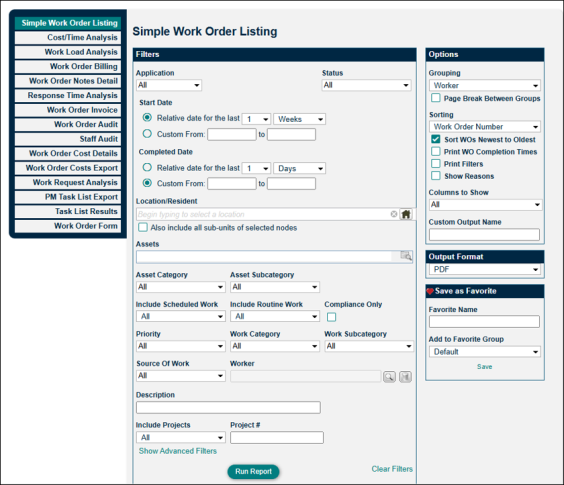
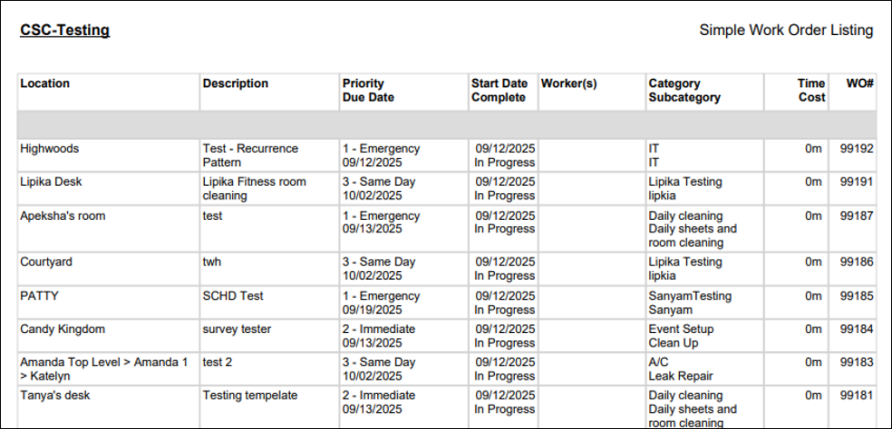
The Simple Work Order Listing is our #1 report for work orders. It provides a condensed list of work orders with details including: location, description, pri0ority, due dates, start/completion dates, worker(s), categories, time, and costs. To produce a report of work orders that are open and overdue, set the status to "In Progress" and "On Hold" and then enable "Overdue only" from the "Show Advanced Filters" link at the bottom.
Cost/Time Analysis
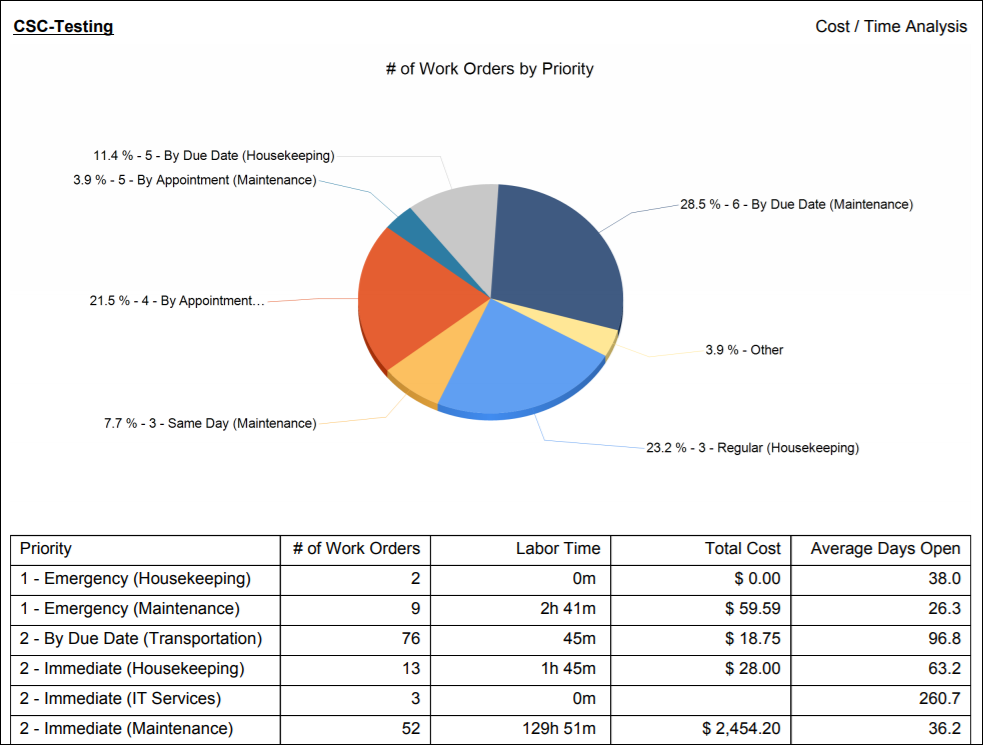
The Cost/Time Analysis report gives you a summary of labor time, cost, and days open for your work order data.
Work Load Analysis
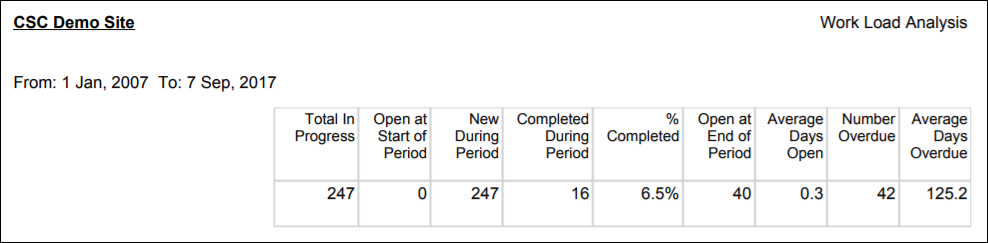
Use the Work Load Analysis report to obtain percentages of completed work and "on time" data. This report allows you to filter by a Work In Progress Date range. Essentially, the report tells you how many work orders were being worked on at the beginning of the date range, and how many were being worked on at the end. If the number in Open at End of Period is greater than the number in Open at Start of Period, your workflow has fallen behind.
Work Order Billing
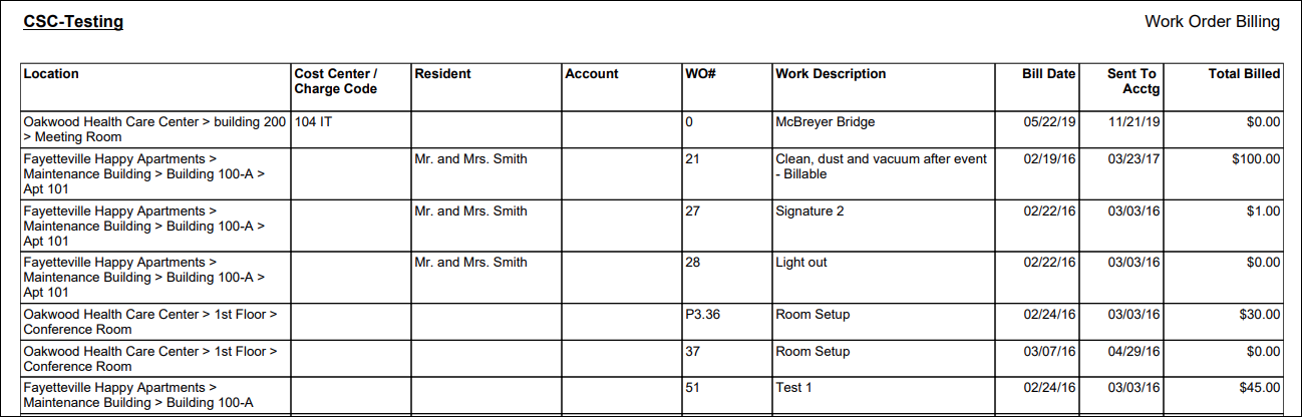
Inside each work order, there is a "Billing Info" panel. If the work order if identified as "billable" in this panel, it will appear on the Work Order Billing report. This report provides a description of the work, the resident name, and the total amount billed to the resident. This is a great way to see all billable work at a glance.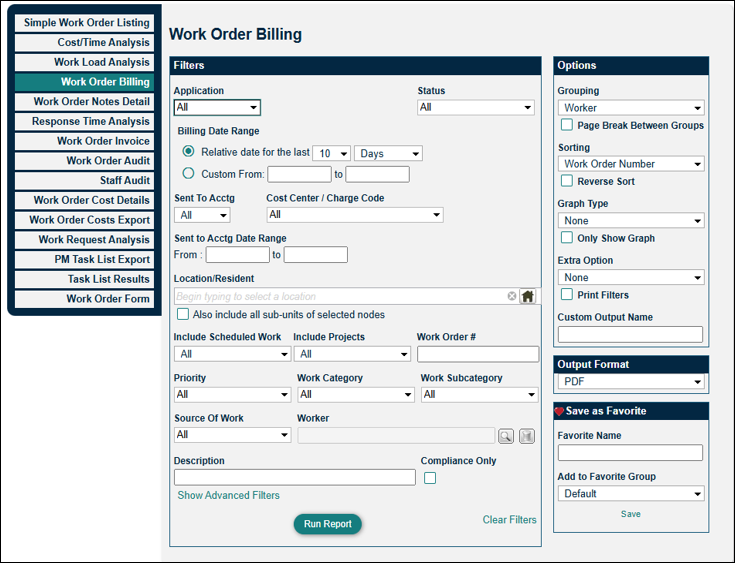
Work Order Notes Detail
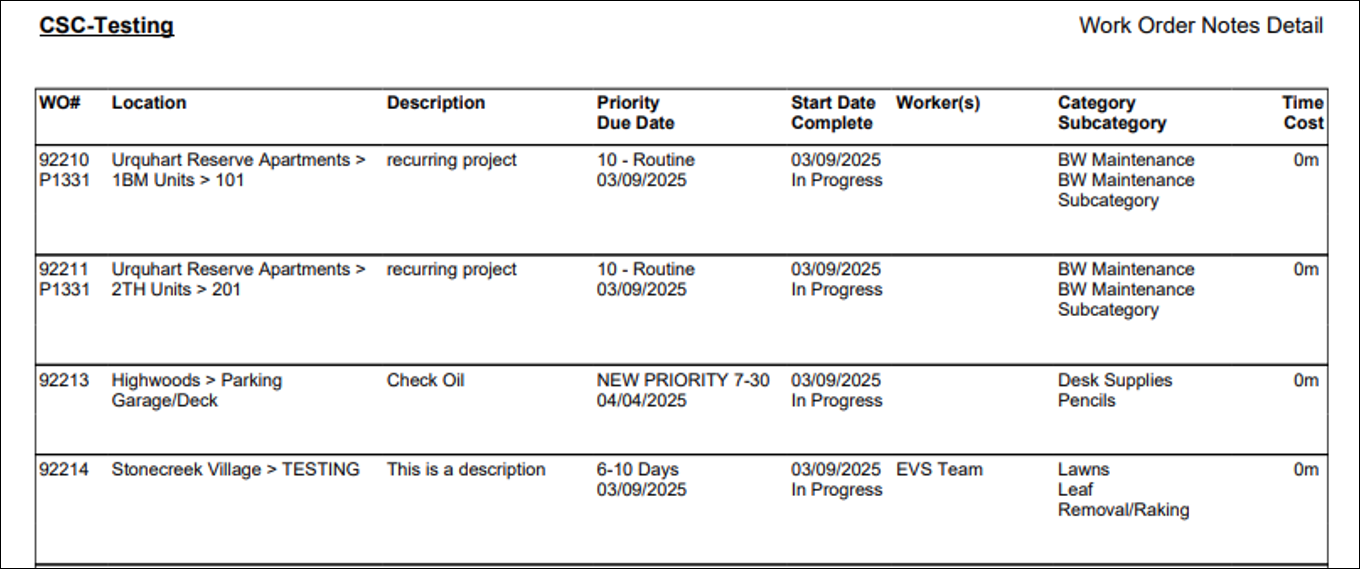
The Work Order Notes Detail report exports the data stored in a work order's log. It's useful for seeing the changes made to a work order over time, including notes made by technicians. In the Options section, you can select what types of log entries you'd like to see.

Response Time Analysis
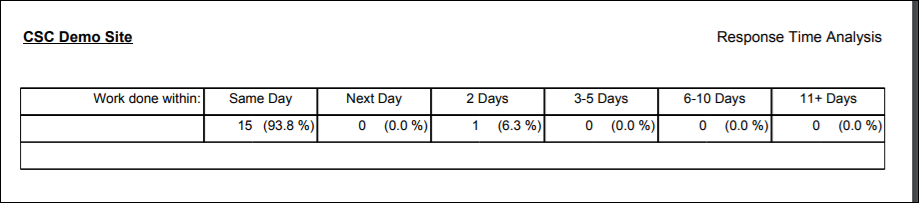
The Response Time Analysis report shows completed work and how quickly the work order was closed out. Response time measures the time between the start date and the completed date.
Work Order Invoice
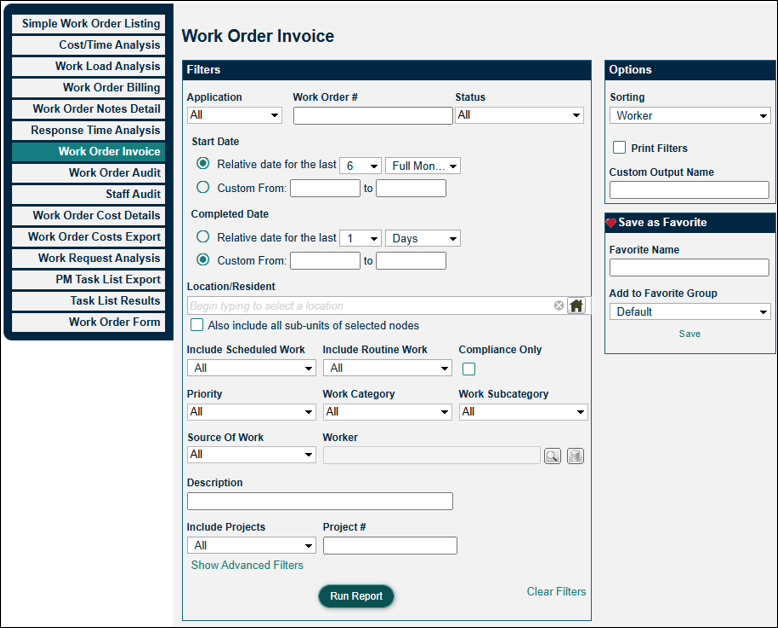
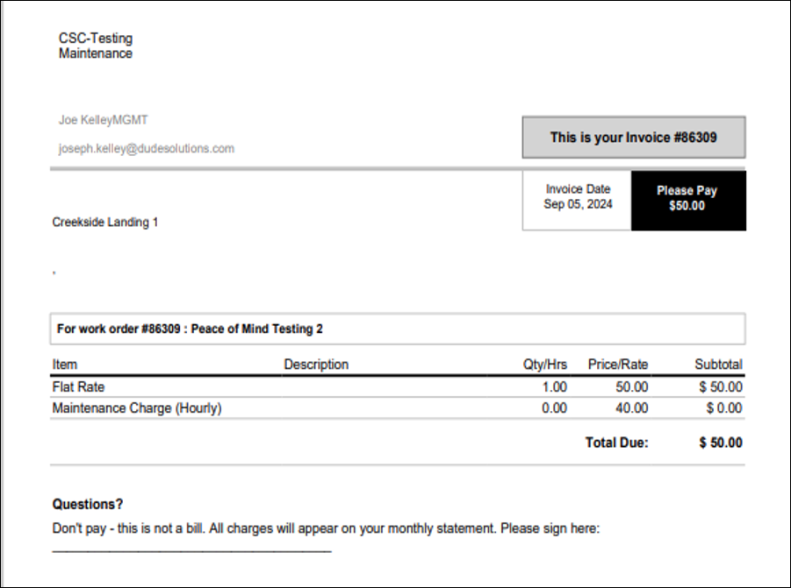
The Work Order Invoice report allows you to print resident invoices from billable work. This is especially useful if you've already marked a work order as "Sent to Accounting" on the dashboard; once this is done, the work order will no longer appear in the "Billings to Send" indicator. However, this report ensures that you can always print a copy of an invoice.
Work Order Audit
The Work Order Audit report shows all the details of a work order at a glance. Use this report to export all job details (minus the log of changes). This report requires you to search by the work order number(s). You can use the Options section to the right to determine what information you'd like to include in the report. The image of the report below is what the report looks like if all of the options have been checked and included.


Staff Audit
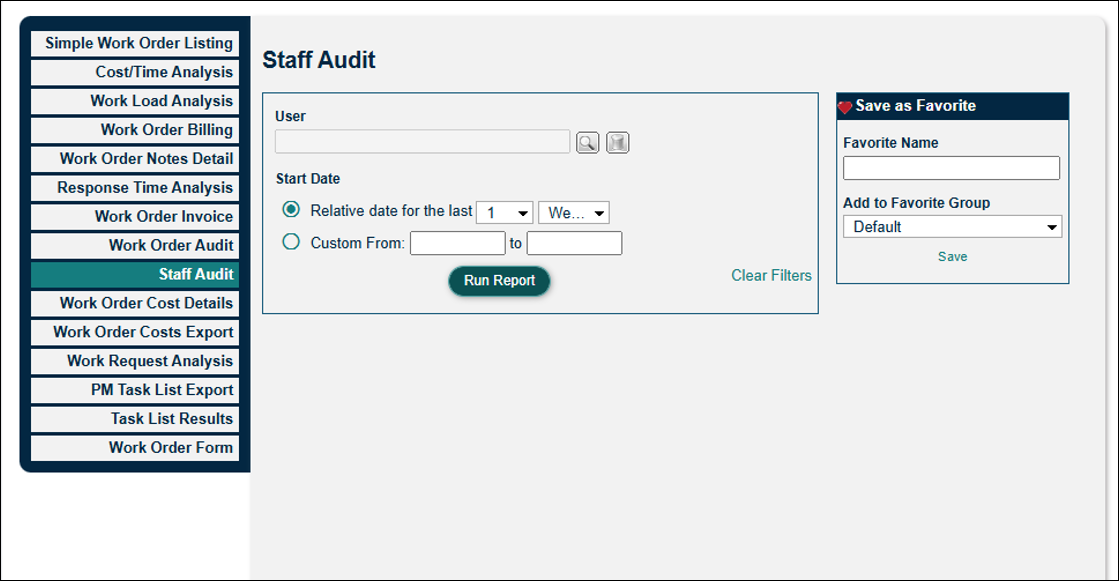
The Staff Audit report produces a spreadsheet of work orders that were entered by staff. Details include: work order number, status, subject, dates, and any notes.

Work Order Cost Details
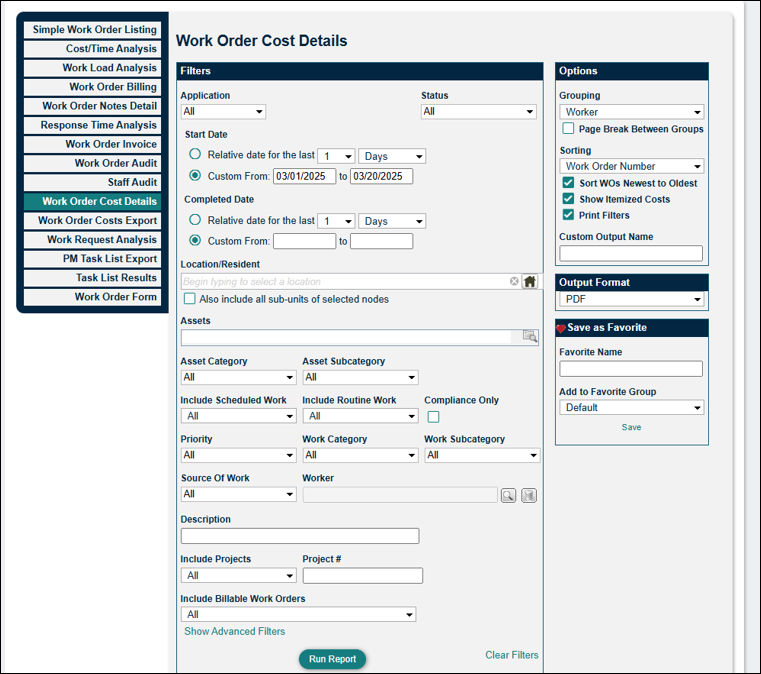
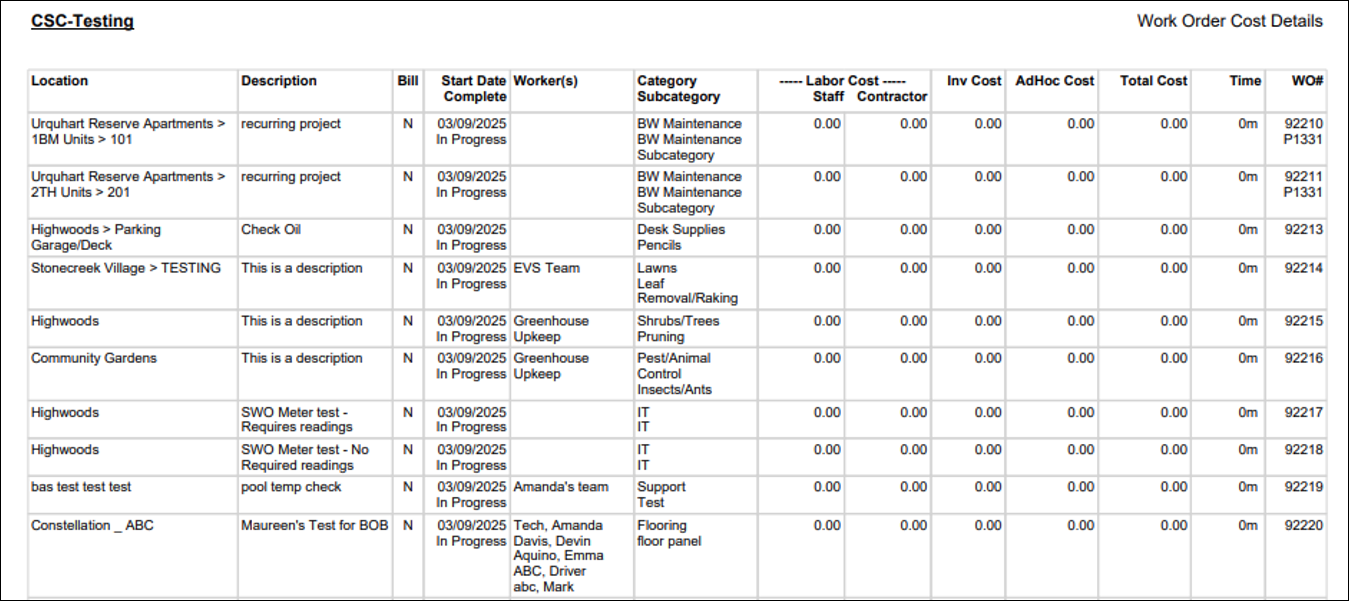
The Work Order Cost Details report shows the labor costs and inventory costs associated with your work orders. In the Options section, you can group the data according to your preference.
Work Order Costs Export
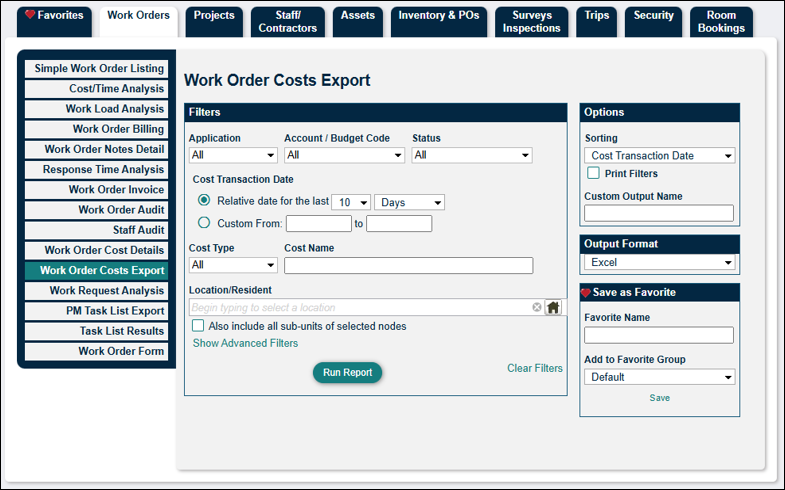
The Work Order Costs Export report differs slightly from the Work Order Costs Details report. Instead of breaking down labor and inventory cost totals, the Work Order Costs Export report itemizes each cost. The filters allow you to drill down further and focus on a specific costs type, location of the work orders, or project number, and in the Option section, you can determine how you'd like to filter your data. This report is helpful if you're wanting to have a better understanding of the types of costs you're incurring and to improve your spending/budgeting.

Work Request Analysis
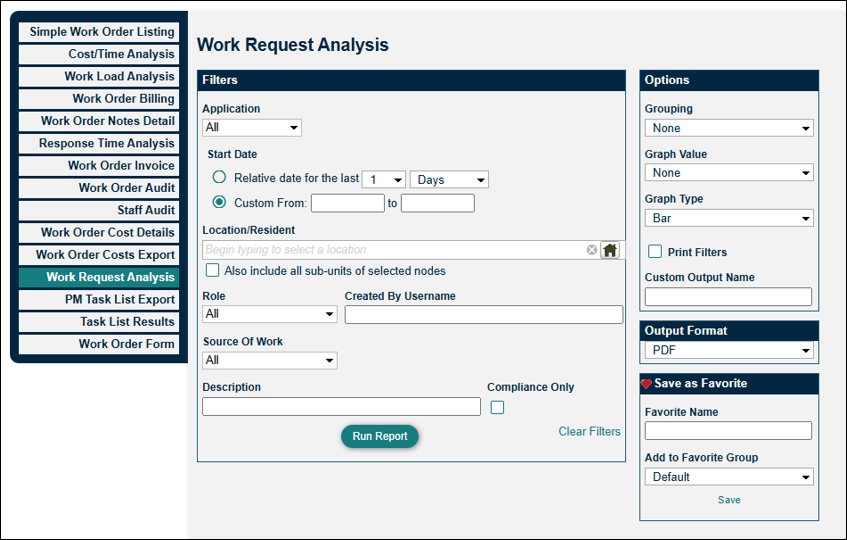
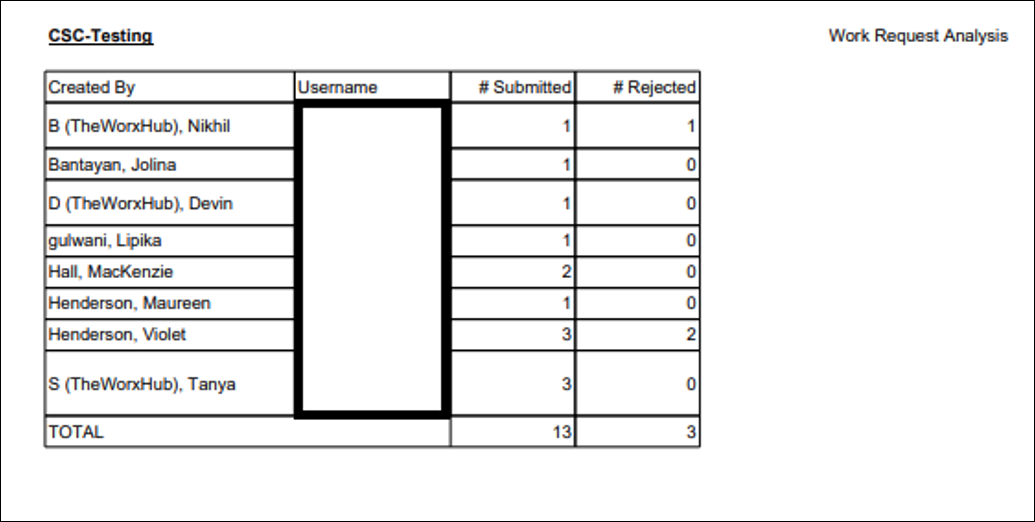
Use the Work Request Analysis report to export the number of work requests submitted by users in your site. This report provides data on who is placing requests, how many requests each user has created, and whether they have been accepted or rejected. You can choose to include a graph or chart in the Option section, as well as determine how you'd like to group the data.
PM Task List Export
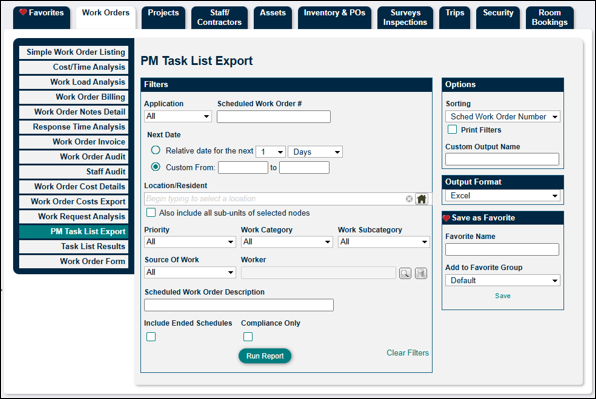
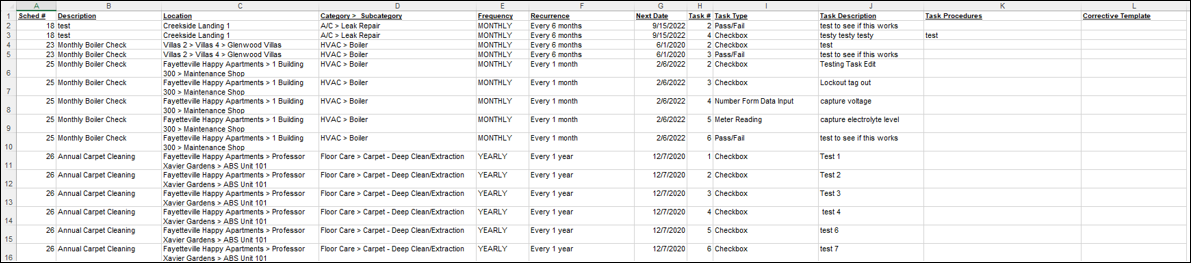
The PM Task List Export report provides a spreadsheet of your scheduled work orders' tasks. This allows you to review the task list items and ensure that they meet proper requirements. The report will show the text of the task list item and what kind of task list item it is (check box, barcode scan, etc.). For pass/fail items, the report will show the corrective action to be taken upon a "fail."
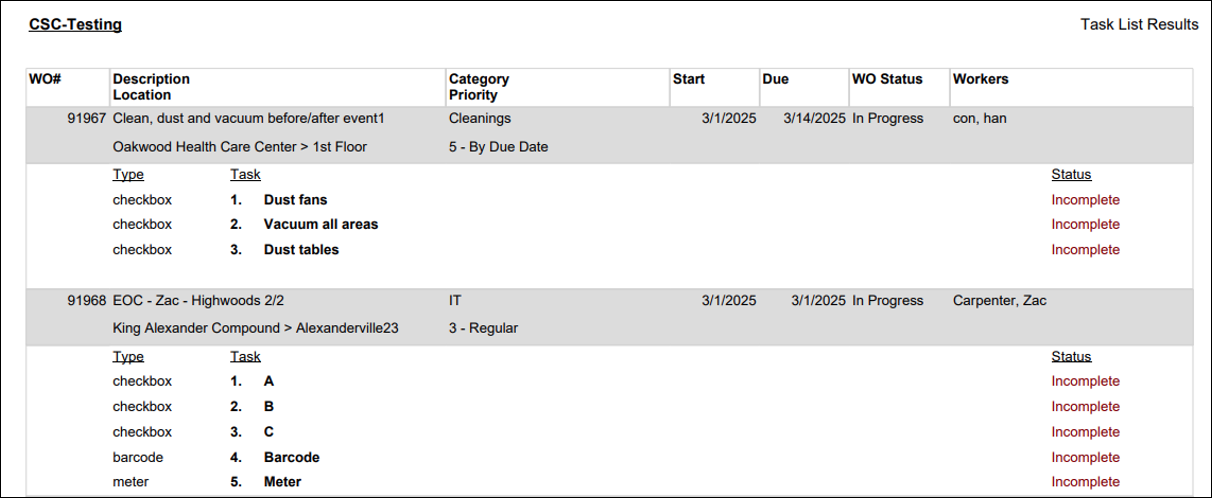
Task List Results
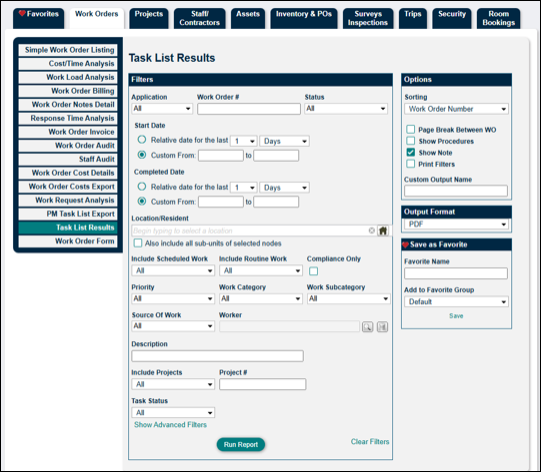
The Task List Results report shows you the results of completed task list items. This report is useful if additional documentation is needed to show the work performed on a work order. You can customize the information by using "Options" on the right.
Work Order Form
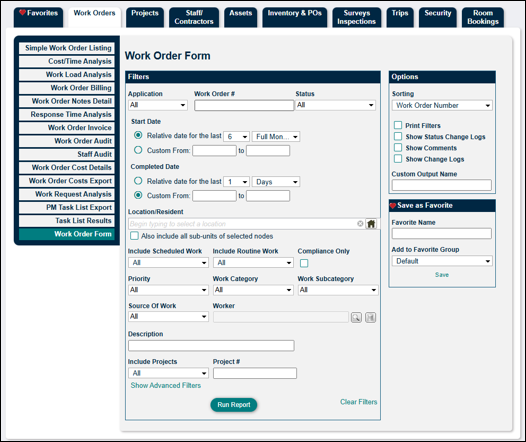
The Work Order Form report provides a full-page PDF of a work order. You can use the filters to create a report with a single work order or to isolate a certain group of work orders. This report is helpful if you need to provide additional and more detailed documentation of work performed.